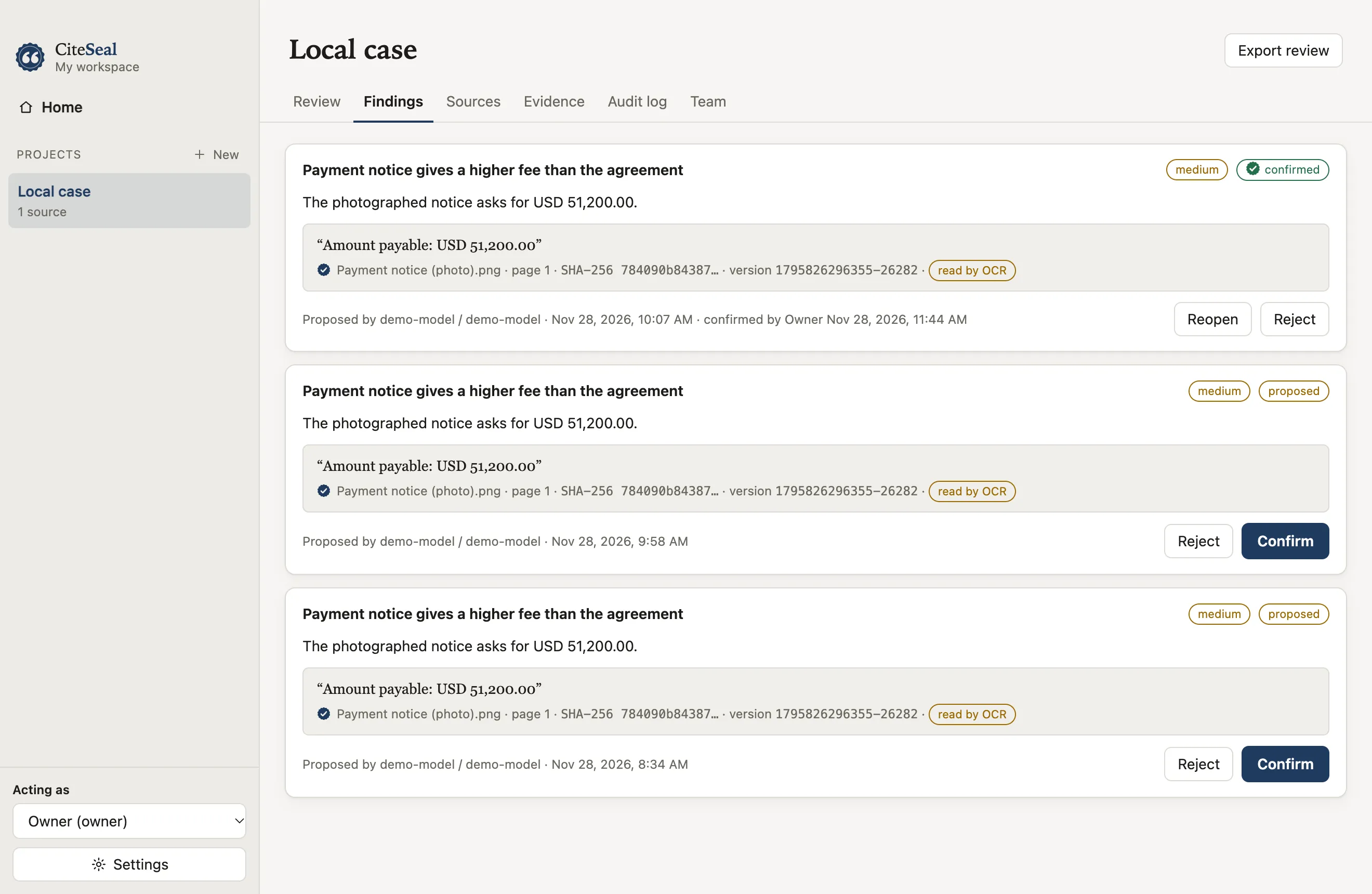
The AI proposes. A person decides.
Every finding starts as proposed. Someone on your team reads the quote against the document and presses Confirm or Reject. Who decided, and when, is recorded, and a decision can be reopened.
The check tells you the quoted words are in the document as acquired. It does not tell you the summary is a fair reading of them. That judgement stays with a person.
What the app holds itself to
- It cannot change your files.
- It only reads local folders, asks Dropbox, OneDrive and Box for read-only access, and has no way to write, move or delete.
- It stays in the folder you chose.
- A project source is one folder. Listing, searching and reading outside it are refused, and the assistant cannot browse the web.
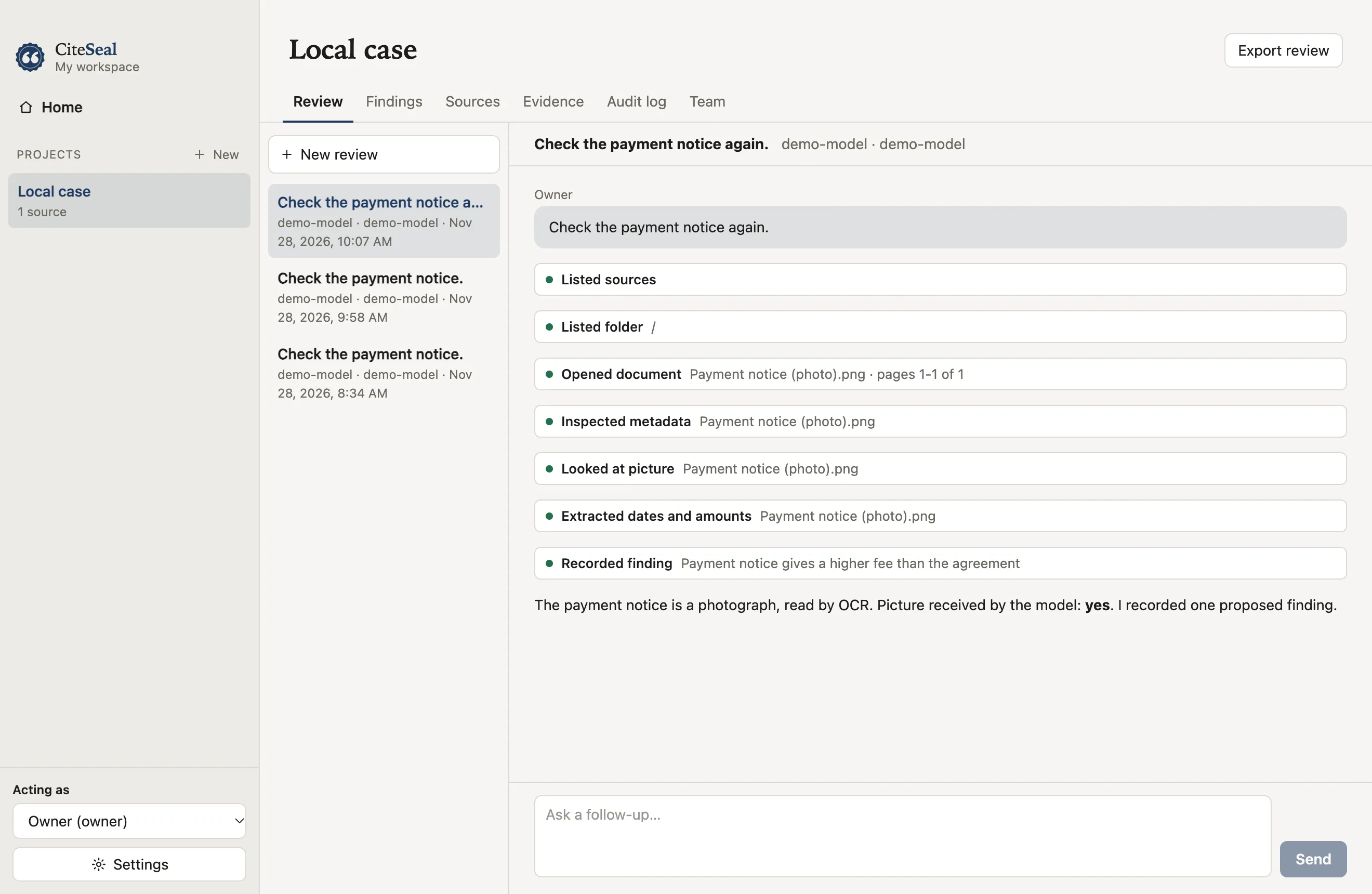
- Every document is fingerprinted.
- Each file the assistant opens gets a SHA-256 fingerprint, compared with the one the provider reports where the app can recompute it. If the file later changes at its source, the app says so and records the new version separately.
- Every read is recorded.
- Who the review ran for, which model read the document and at what address, and which computer it happened on.
- Limits are stated, not hidden.
- It does not authenticate documents, listen to audio or read spreadsheets. The full list of what it does not do.
A log you can check yourself
The audit log records what people did, every step the assistant took, and what was sent to which model. Each entry is chained to the one before it, so changing or removing one breaks the chain. Try it.
- 1Ownerreview.start········
- 2AI assistantevidence.access········
- 3AI assistantmodel.request········
- 4AI assistantfinding.record········
- 5Ownerfinding.review········
This miniature runs in your browser with made-up entries. The app's audit log works on the same principle: entries cannot be edited, each is chained to the one before it, and Verify chain recomputes the whole chain.
You choose where the documents go
The assistant is whichever model you connect. What it reads is sent to that model's endpoint, so the app marks every endpoint and records every call.
- private A model on your own computer or network, such as Ollama or LM Studio. With a local folder, nothing leaves the machine.
- public A hosted service, such as Claude or an OpenAI-compatible endpoint. The app does not block it; it records it.
- The Evidence tab lists, for each document, the models that received its content.
What it can read, and how far to trust it
| Kind of file | How it is read | Quotable in a finding |
|---|---|---|
| PDF with text, Word (.docx), email (.eml), plain text, CSV, HTML | The text is taken from the file. | Yes |
| Scanned PDF, photograph or screenshot of a document | Read by OCR on your computer, in English. | Yes, labelled “read by OCR” |
| Video (MP4, MOV, WebM) | Frames sampled about once a second; on-screen writing read by OCR. | On-screen writing, with frame and time |
| Handwriting | The model looks at the picture and marks what it cannot make out. | No |
| Spreadsheets, archives, audio | Acquired and fingerprinted only. | No |
Reviewing documents you will have to stand behind?
CiteSeal is pre-release. Tell us what you review and we will help you get it running, or look at the builds published on GitHub.